
OpenStreetMap for Confluence
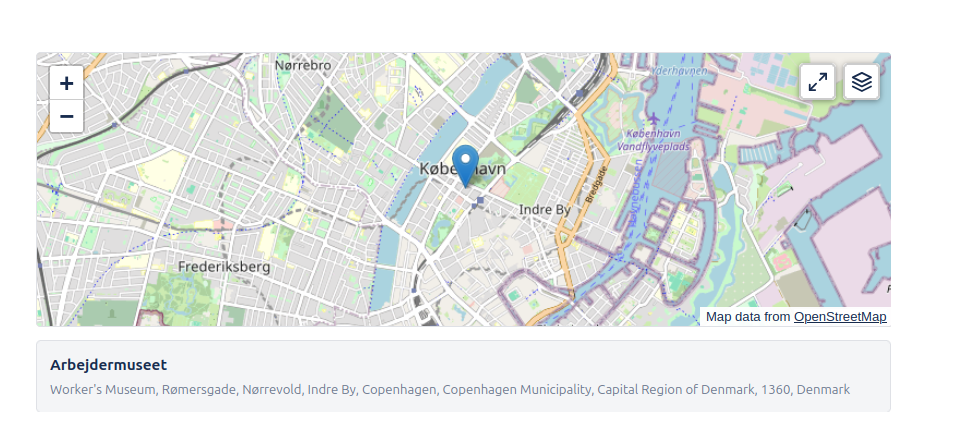
Embed interactive, meaningful location context in your Confluence pages. Choose from multiple map styles and share precise locations with your team.
Privacy-first mapping for your documentation
Try it FreeContext Where It Matters
Stop using static screenshots that go out of date. Embed fully interactive maps directly into your project specifications, event plans, and office guides.
- Search and pin any location worldwide
- ✓Multiple tile styles including MapTiler OMT
- ✓Zoom level controls and settings
Choose Your Style
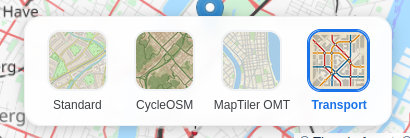
Different contexts require different visuals. We support four distinct map layers to best suit your content:
- OpenStreetMap:The standard, highly detailed map view used globally.
- CyclOSM:Optimized for cyclists, highlighting bike paths and terrain.
- Transport:Focused on public transport networks and major roads.
- MapTiler OMT:A vector-based map style powered by MapTiler, offering crisp and clean visuals.
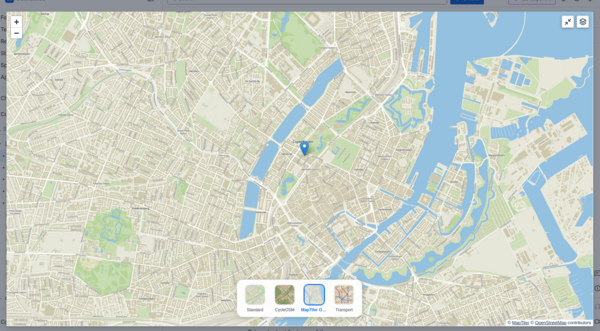
Go Big with Full Screen
Sometimes a small embed isn't enough. Users can expand the map to full screen at any time to explore the surrounding area in detail without leaving the page context.
- ✓One-click expansion
- ✓immersive navigation experience
Easy to Configure
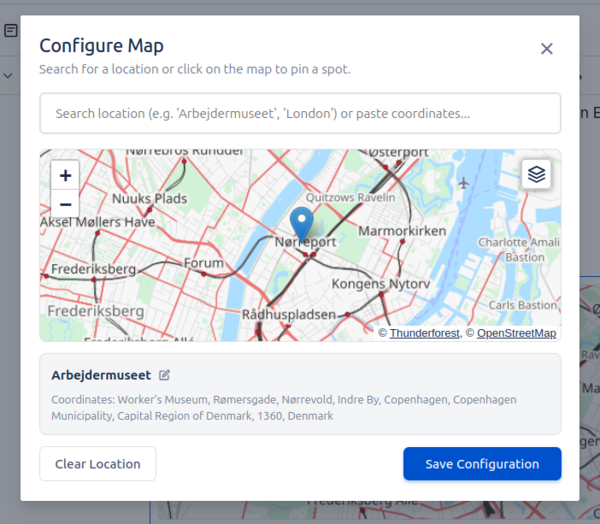
Just type /map or /osm in your page to insert the macro. Our configuration dialog lets you search for places, set the exact view, and choose the visual style that fits your needs.
- ✓Instant search powered by Nominatim
- ✓Live preview while editing
Respecting Your Privacy
Our map integration is designed to be privacy-friendly. We do not track user movements or store your page content. Tile data is fetched directly from OpenStreetMap and trusted partners.